owner operating view
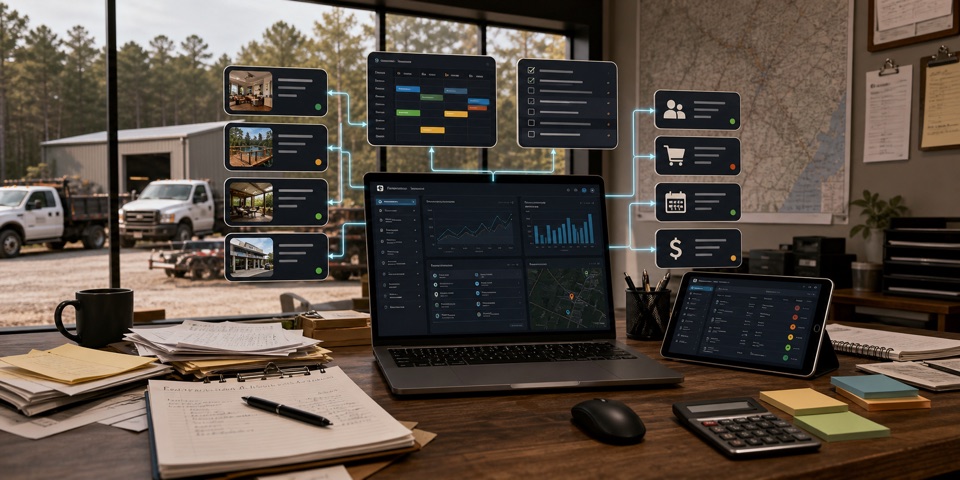
One useful systemSee what is moving—and what is stuck.
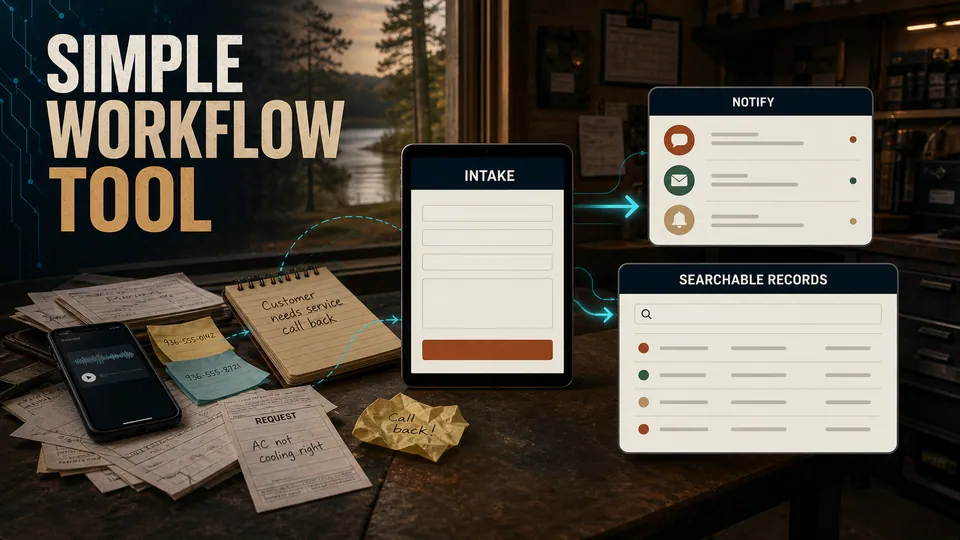
Custom tools for the process that keeps breaking—not a giant platform by default. Start with one painful workflow and grow only when the next connection earns its place.
It is a request that keeps getting lost, a handoff nobody can see, a status question that always reaches the owner, or a process held together by memory.
Every handoff adds another chance for details, photos, approvals, or follow-up to disappear.
When no shared view exists, the owner becomes the connection between every person and every next step.
Quotes, decisions, files, promises, and recurring steps stay fragile when the operating record lives in someone’s head.
Choose the closest fit. The recommendation is a starting point, not a commitment to a giant platform.
$2,500–$5,000 planning range
Best when one recurring process—requests, approvals, scheduling, sign-offs, or records—needs a clean form, notifications, and a basic owner view.
Can grow into: Start with one process. Add the next only after the first one proves useful.
See my private estimate No email required to see the range. No forced call.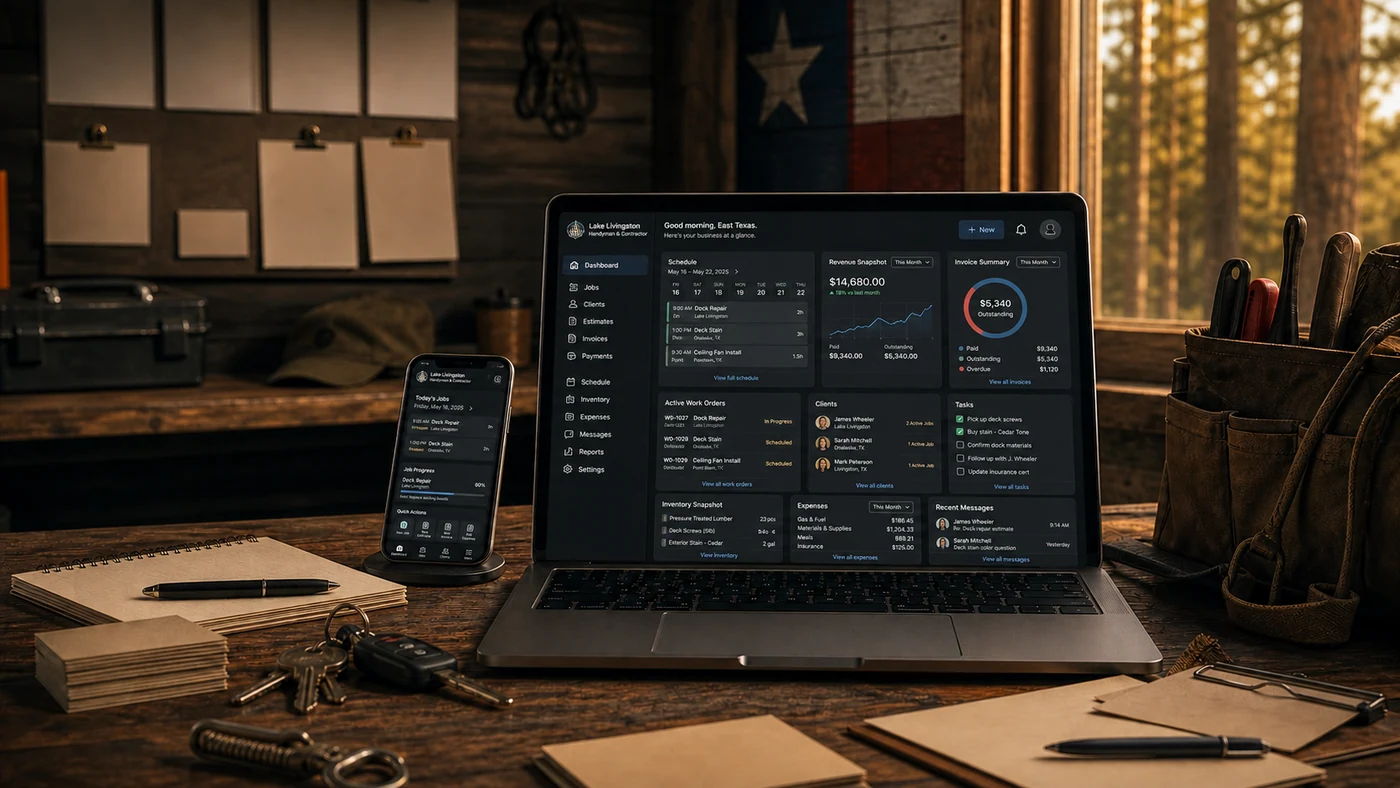 Clickable systems before a custom scope
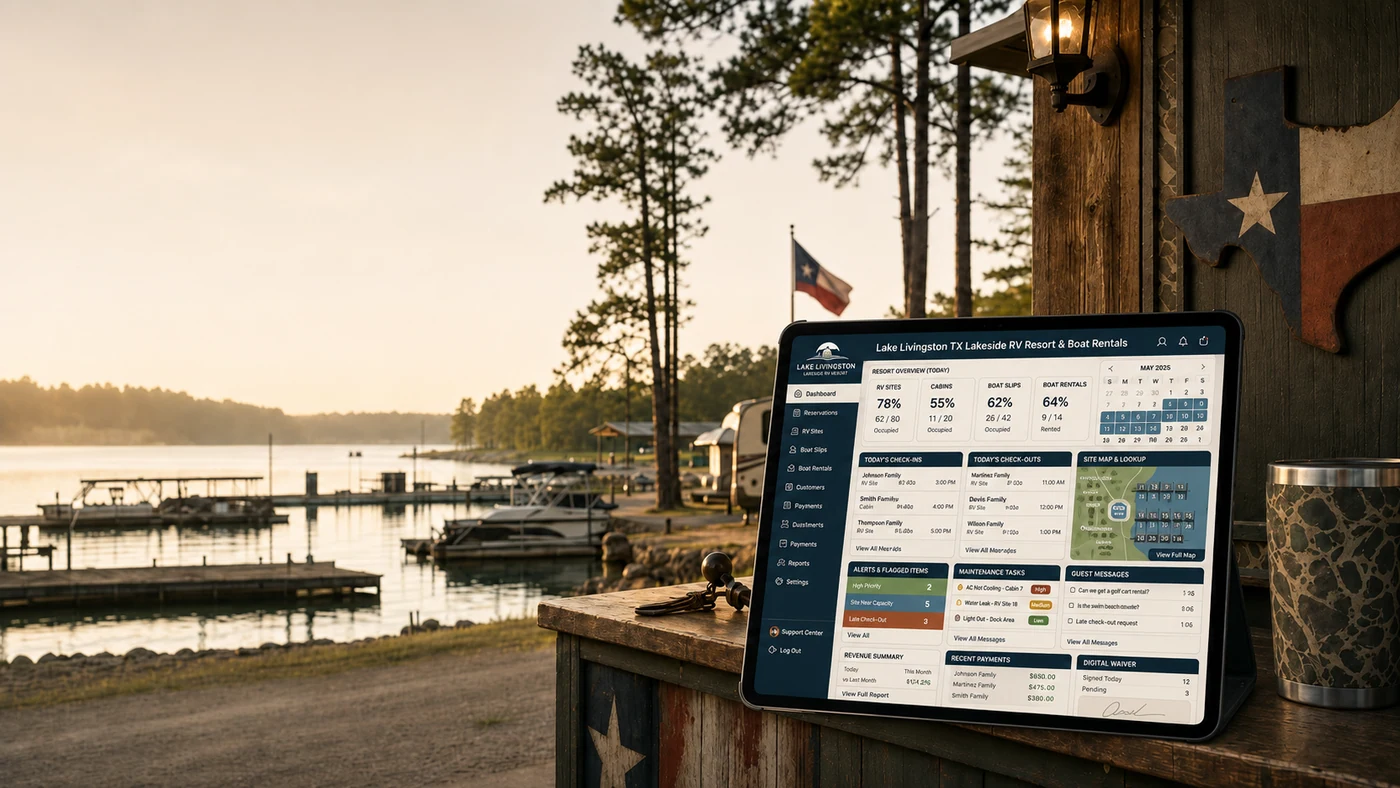
The demos show how intake, status, tasks, records, maps, reporting, and owner visibility can fit together. They are examples—not a claim that every business needs the same dashboard.
These are common extensions after the real workflow is understood. Each can stand alone or connect into a larger owner view.
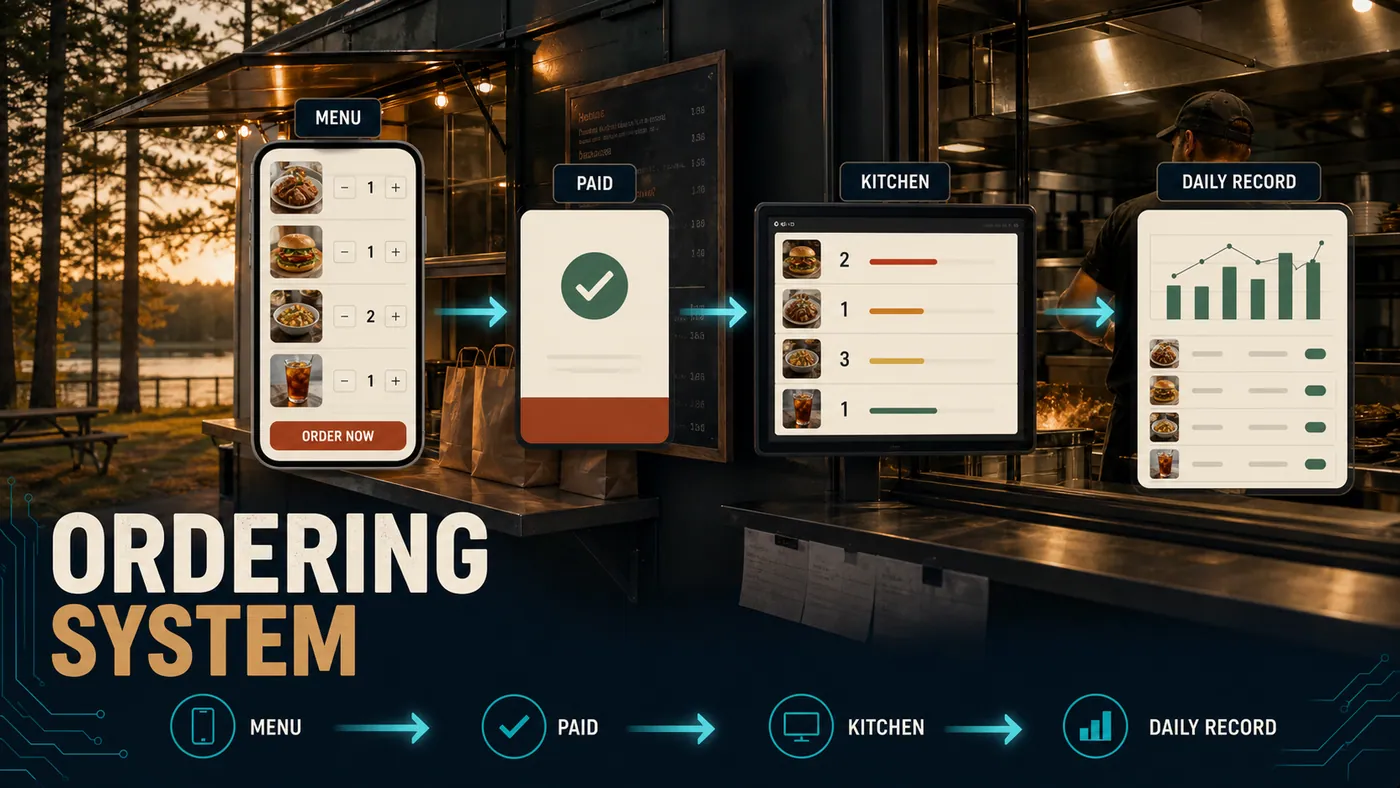
Menu or products, pickup timing, order flow, payments, notifications, and a daily record.
Booking requests, signatures, check-in details, searchable records, and a cleaner guest handoff.
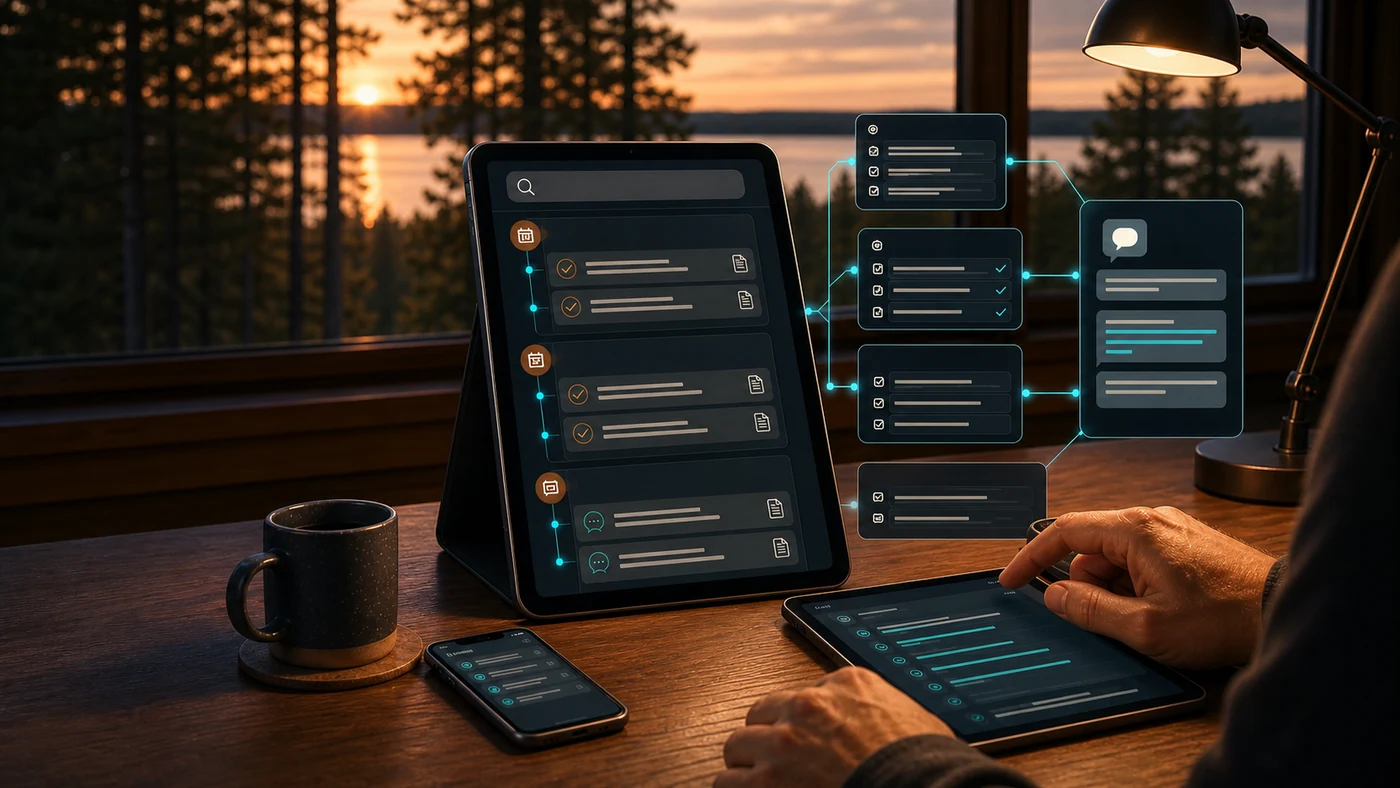
A searchable record of decisions, jobs, conversations, files, and follow-up tied to approved business data.
The planning range moves because the workflow becomes deeper, more connected, or more sensitive—not because the price is intentionally vague.
Who uses the system, what each person can see, and which actions need owner or manager approval.
The number of steps, statuses, exceptions, notifications, and handoffs inside the process.
Existing spreadsheets, files, calendars, payments, websites, or services that need to connect.
Owner views, exports, record retention, permissions, security, and operational support needs.
We follow the real workflow: what enters, who touches it, where it stalls, and what needs approval.
We choose the smallest useful first system, define the boundaries, and confirm the planning range.
The system is built in reviewable stages with real sample data and visible decision points.
We test roles, mobile use, records, handoffs, and support needs before the system goes live.
Scope, ownership, integrations, support, and AI boundaries should be clear before anyone commits to a build.
No. Bring the messy workflow: the spreadsheet, texts, forms, repeated questions, and the part that costs time every week. We map the process before deciding what should be built.
Often, yes. If an existing tool solves the problem cleanly, that may be the better first decision. Custom software makes sense when the workflow, roles, handoffs, or customer experience do not fit the available tools.
Yes—that is the preferred path. A focused workflow tool can stand alone, prove the value, and connect to the next system later only when the need is real.
The ownership, hosting, data access, export path, ongoing care, and any third-party services are written into the scope before the build begins. The goal is a durable business asset, not a hostage relationship.
Possibly. Integrations are confirmed during scope because every service has different APIs, limits, fees, and authentication requirements. A connection is never promised before it is checked.
No. AI is useful only when it has approved business data and a clear job. Important outbound messages and decisions stay under human approval; the system should never add AI just for the label.
The handoff and support plan depend on the system. Documentation, training, hosting, bug fixes, dependency care, backups, and future phases are scoped clearly rather than hidden inside the build price.
No. The guided path and private estimator show the current planning range first. A workflow conversation becomes useful when you want to confirm the real scope.
Start with the spreadsheet, text thread, paper form, repeated question, or weekly bottleneck. We will map the smallest useful system and confirm the scope before building.